Services > CMS Development
CMS
We build content management systems your team can actually use: clear editing screens, fast pages and a structure that grows with your content. Whether it’s WordPress, a headless setup or a custom admin panel, engineers design it around how your team works. Founder-led, with no account managers in between.
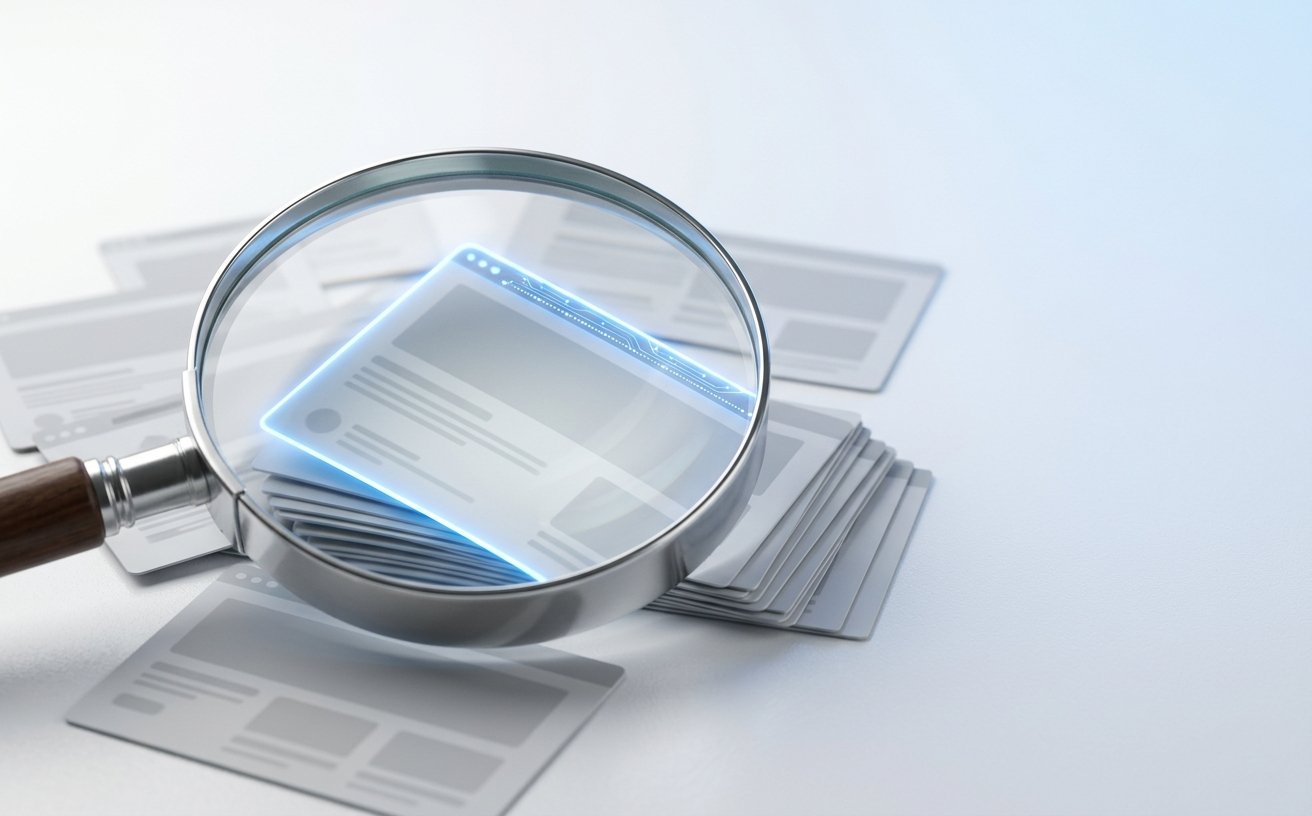
Many sites become hard to edit, slow to load and risky to update. We build the CMS around your content and your team, so publishing stays simple as you grow.
TYPICAL CMS BUILDS
THE DIGILITUS WAY
Every project covers the content structure, the editing experience, the speed and the safeguards.
We map your content types, fields and relationships, such as services, case studies, authors and locations. In plain terms: content is organized once and reused everywhere.
We design clear editing screens, previews and reusable blocks, so your team can publish without breaking the layout. In plain terms: updates take minutes, not a developer ticket.
We build lean templates with clean markup, fast loading and the right titles, headings and schema. In plain terms: pages are quick, and search engines can read them.
We set up user roles and approvals, keep the system updated and back it up. In plain terms: the right people can edit the right things, and the site stays safe.
Both work well. The right one depends on your team and your goals.
What changes
Traditional CMS
Headless CMS
How it works
Content and website live together
Content lives apart and feeds any front end
Speed
Depends on theme and plugins
Fast, with a custom front end
Flexibility
Limited to the theme’s design
Any design, and content reuse across sites and apps
Best for
Marketing sites and blogs
Products, apps and multi-channel content
HANDOVER
A walkthrough and a short guide for your team.
How it’s built and how to extend it, so any developer can continue.
Hosting, domain and the CMS set up in your own accounts, not ours.
HOW IT WORKS
We work in clear stages, so you always know what is being built and why.
Day 1-2
Map your content, your team’s workflow and the platform that fits.
Day 3-5
Build the templates and the editing screens, with a demo each week.
Day 6-7
Move your content, redirect old URLs and test every page type.
Day 8+
Launch, train your team and keep an eye on performance.
A content management system, or CMS, is software that lets people create, edit and publish website content without writing code. It stores your text, images and pages, and shows them through templates. WordPress is the best-known example, and many others exist.
There is no single best one. WordPress suits most marketing sites and blogs, headless systems suit products and multi-channel content, and a custom admin panel suits unusual workflows. The right pick depends on your content, your team and your budget.
A headless CMS stores and manages content but doesn’t control how it looks. Your website, app or other channels fetch the content through an API. This gives developers more design freedom, and lets one set of content feed several places.
WordPress is faster and cheaper to start, and has a huge ecosystem. A headless setup costs more to build but offers more speed, flexibility and content reuse. If you mainly need a marketing site or blog, WordPress is usually enough.
Yes, it can be. WordPress handles titles, URLs and sitemaps well, and plugins add more. Results still depend on fast hosting, a lean theme, good content and clean structure. A slow or bloated build can hurt SEO on any platform.
Yes, with care. We keep your URLs where possible, set 301 redirects for those that change, carry over titles, descriptions and content, and check indexing after launch. A rankings dip is possible, but a planned migration keeps it small.
Cost depends on the number of page types, the complexity of the editing screens and how much content must be migrated. A focused build costs far less than a large platform. At DigiLitus we quote fixed-scope work after a scoping call, so you know the cost upfront.
A focused CMS website typically takes 2 to 5 weeks. Larger builds with many content types, integrations or migrations take longer. Timing depends on how ready your content is and how quickly we get feedback.
At DigiLitus, we specialize in elevating efficiency through custom AI, web development, and automation solutions. We are committed to delivering exceptional results for your business.
Copyright © 2026 DigiLitus (Pvt) Ltd. All Rights Reserved.